The Dishout home screen has been updated so that everything you see is now organised around your location, from the closest store to the farthest. Here is what that looks like in practice.
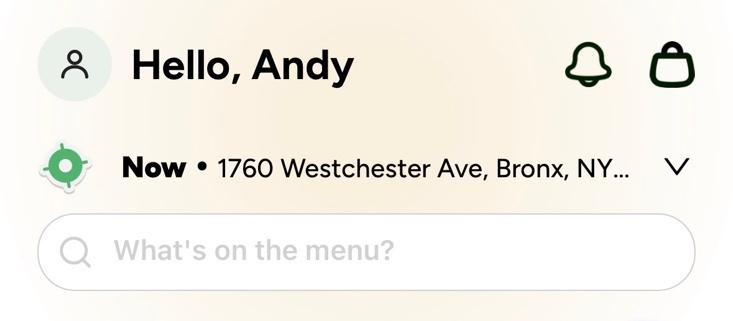
The search bar at the top of the home screen searches both restaurants and menu items. If you know the store you want, search for it by name. If you are craving something specific, type the dish and the app surfaces every store near you that serves it, starting with the closest.
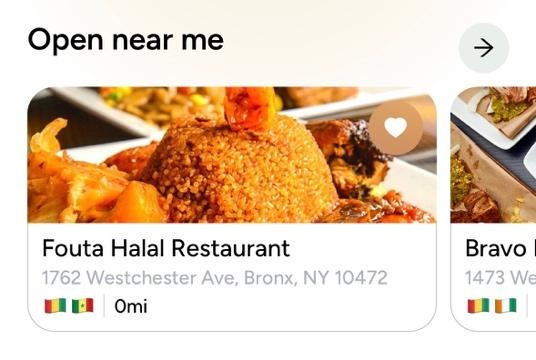
Open near me shows you every restaurant that is currently accepting orders, sorted from the closest to your delivery address to the farthest. No more opening the app and not knowing what is available right now. If it is showing here, it is open and proximal to your delivery address.
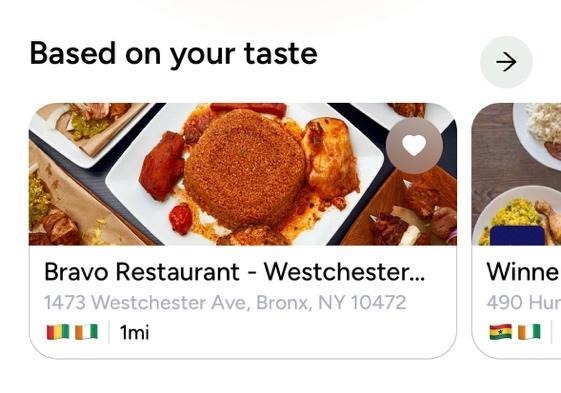
This section pulls restaurants based on your cuisine preferences, organised from nearest to farthest. The app already knows what you like. Now it is making sure the stores that serve it are the first ones you see.
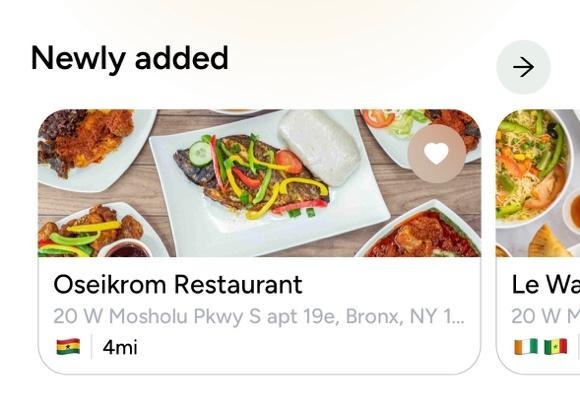
New restaurants join Dishout regularly. The Newly Added section puts all of them in one place, sorted from closest to farthest. If you are in the mood to try somewhere new, this is where to start.
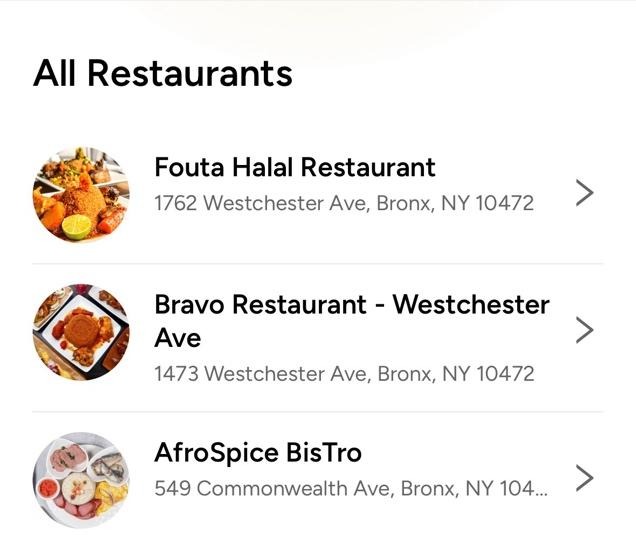
Scroll further and you will find every restaurant within your delivery range listed from closest to farthest. No more scrolling past stores that are miles away to find the one on your block.
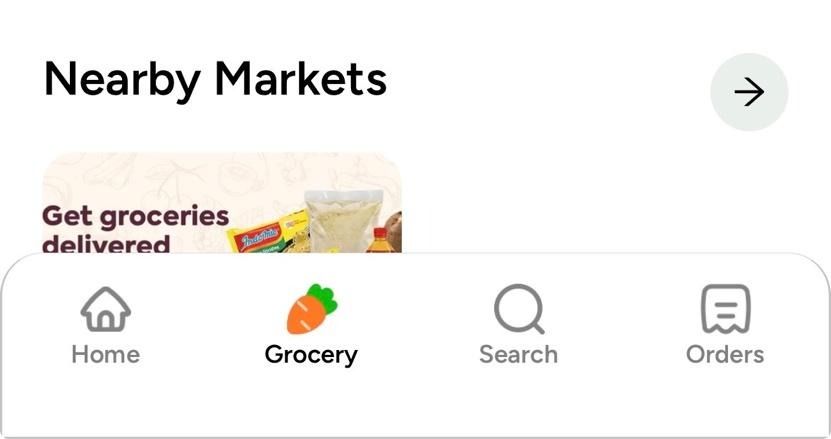
Tap the Grocery tab at the bottom of the screen and the same logic applies. Nearby Markets shows you all the African grocery stores and markets closest to you first. Search covers both stores and individual products. Everything organised the same way.
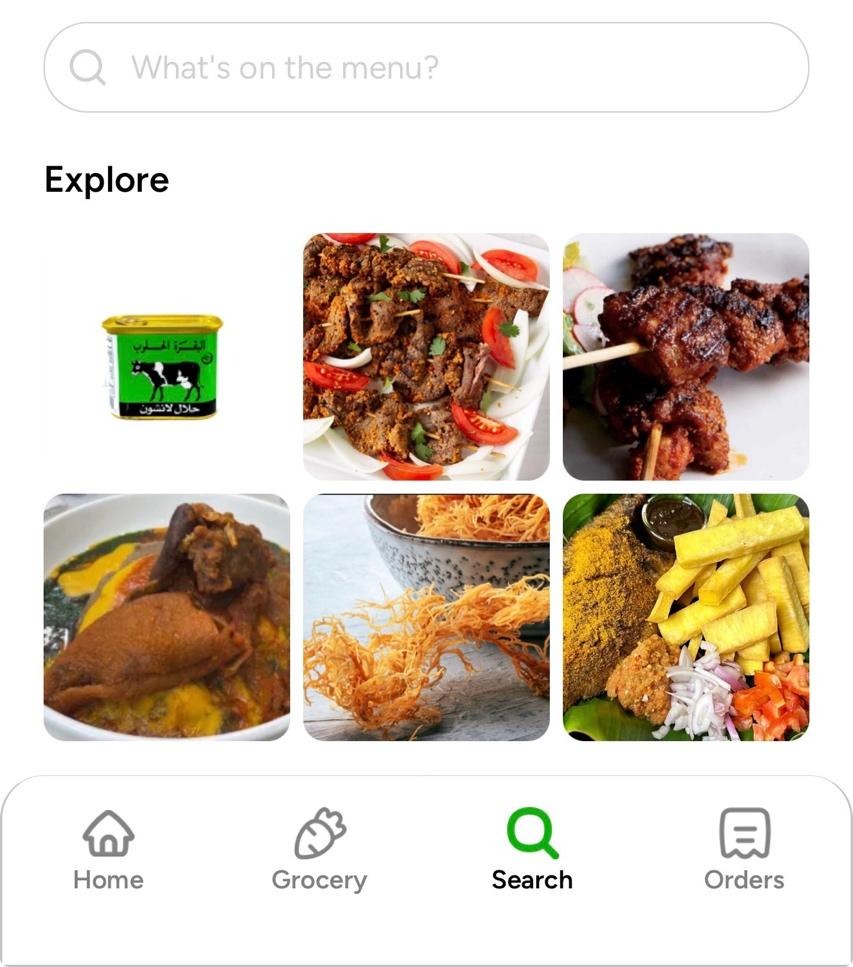
The Search tab at the bottom of the screen works the same way as the search bar at the top but adds something extra. Before you even type, it shows you a visual gallery of items from across the platform, meals, grocery products, things you might not have thought to look for. Think of it as a way to browse everything Dishout has to offer in one place.
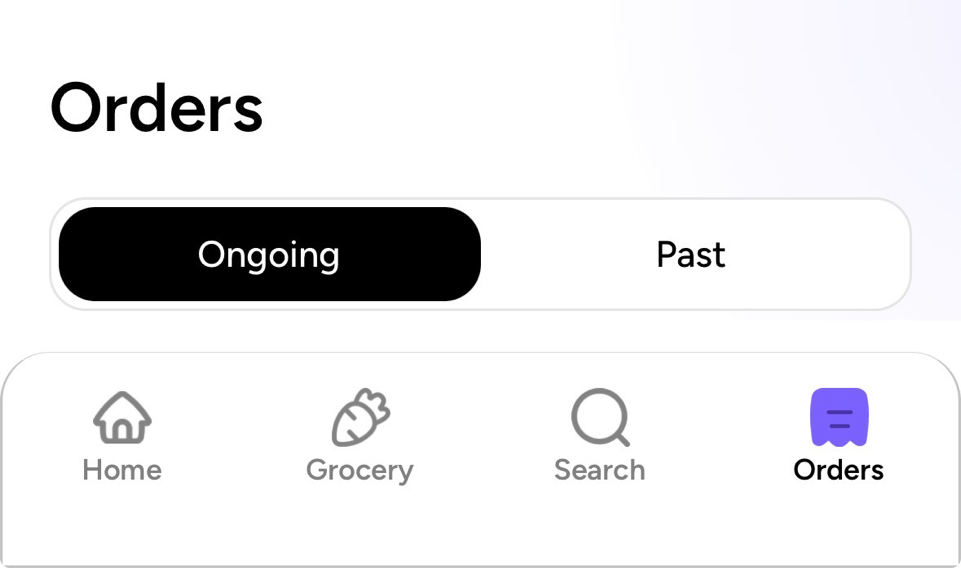
And when your order is on its way, tap Orders at the bottom of the screen to track everything, ongoing orders and past ones, all in one place.
Every one of these updates came from feedback this community shared. The Dishout app is a platform we are building alongside the people who use it, and every update reflects something you told us was not working the way it should.
Keep the feedback coming. We are listening, and we will keep delivering.

Frequently Asked Questions
What is the ‘Open near me’ section?
Open near me is a new section on the Dishout home screen that shows all restaurants currently accepting orders, sorted from closest to farthest based on your delivery address. If a store appears here, it is open and it can reach you right now.
What changed on the Dishout home screen?
The home screen now shows Open near me as the first restaurant section, followed by Based on Your Taste, Newly Added, and All Restaurants. Every section is sorted from closest to farthest so you always see what is nearest to you first.
What is the difference between the search bar and the Search tab?
Both search stores and menu items. The search bar at the top is the quickest way to find a specific store or dish. The Search tab at the bottom does the same but also shows a visual gallery of items from across the platform before you type anything, making it easier to discover things you did not know you were looking for.
Does the grocery section work the same way?
Yes. Tap the Grocery tab and the first section is Nearby Markets, all your closest African grocery stores and markets listed in order. Search covers both stores and individual grocery items.
How do I track my orders?
Tap the Orders tab at the bottom of the screen to see all your ongoing and past orders in one place.

Because home should be just one tap away